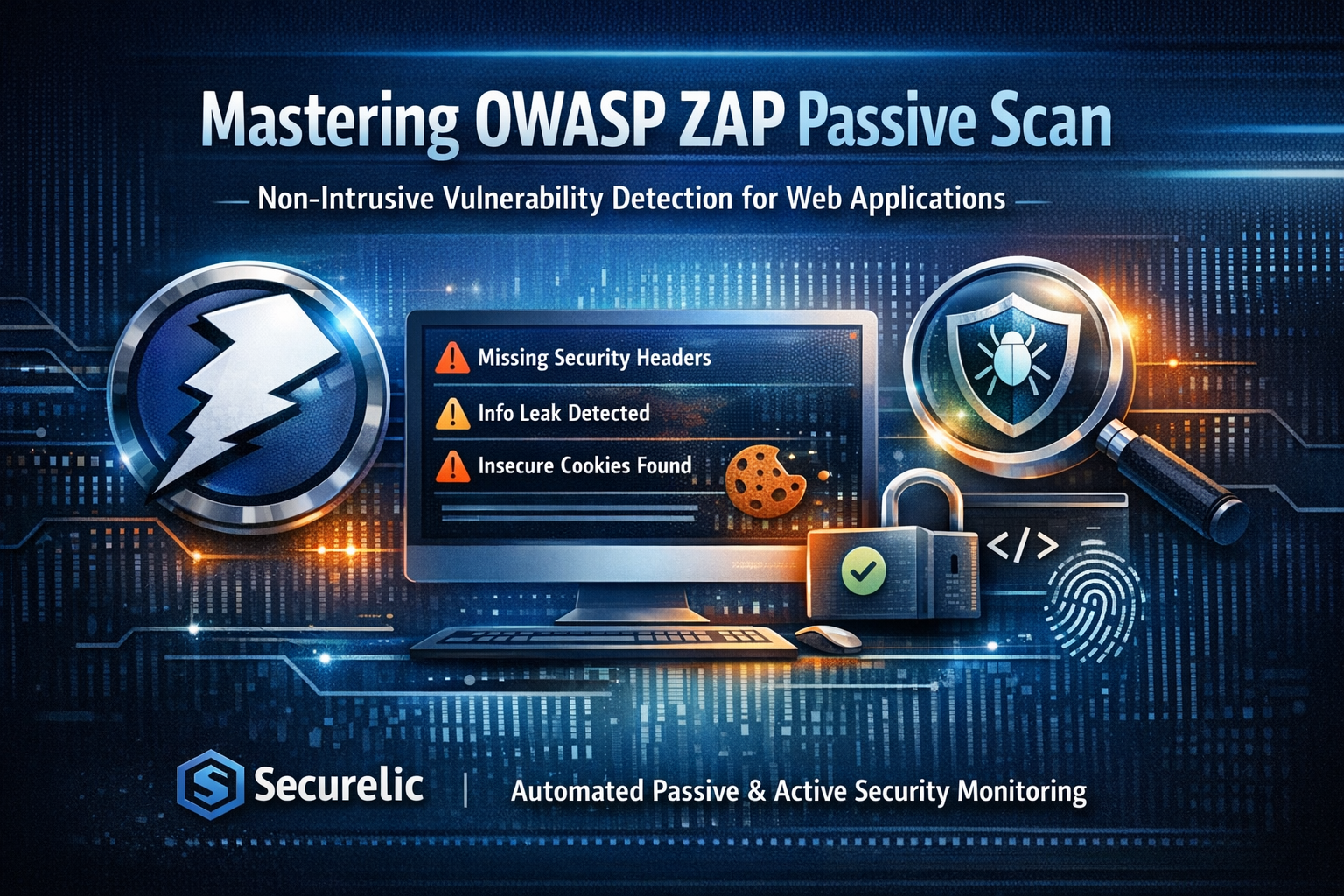
In the rapidly evolving landscape of web application security, ensuring that your digital assets are protected against emerging threats is not just an option it is a necessity. Dynamic Application Security Testing (DAST) tools are critical in this endeavor. Among the most respected open source tools in the industry is OWASP ZAP (Zed Attack Proxy).
While ZAP is renowned for its aggressive active scanning capabilities, one of its most powerful yet underutilized features is the Passive Scan. In this technical guide, we will explore what OWASP ZAP passive scanning is, its core benefits, the specific vulnerabilities it can uncover and how integrating it can elevate your security posture.
What is a Passive Scan in OWASP ZAP?
In the context of web vulnerability scanning, tests generally fall into two categories: Active and Passive.
An Active Scan involves sending modified requests (payloads) to the target application to provoke a response and identify vulnerabilities like SQL Injection or Cross Site Scripting (XSS). This method is intrusive and can potentially alter data or affect the application's stability.
A Passive Scan, on the other hand, is completely non intrusive. When OWASP ZAP performs a passive scan, it strictly observes the HTTP requests sent to the server and the HTTP responses received from it. It does not modify the requests, nor does it send any new, unprompted requests to the target.
The scanner utilizes a set of predefined rules and heuristics to analyze the traffic in real time, looking for missing security configurations, information leakage and other anomalies that can be detected simply by inspecting the data stream.
Key Benefits of Passive Scanning
Implementing passive scanning into your DevSecOps pipeline offers several distinct advantages:
- Zero Impact on Production Environments: Because passive scanning does not send malicious payloads or generate high volumes of traffic, it is 100% safe to run against live production environments. There is no risk of database corruption or denial of service (DoS).
- Immediate Feedback and Speed: Passive scanning occurs in real time as you navigate the application. It provides instantaneous feedback to developers, allowing for the rapid identification of misconfigurations during the initial phases of testing.
- Foundation for Active Scanning: It builds an accurate site tree and gathers essential context about the application's behavior. This information is crucial for making subsequent active scans more targeted and efficient.
- Continuous Monitoring: Passive scanning is ideal for continuous monitoring strategies, seamlessly analyzing traffic without disrupting normal user operations.
What Vulnerabilities Can Passive Scanning Discover?
While it won't execute an exploit to prove an SQL injection, passive scanning excels at identifying architectural weaknesses, misconfigurations and data leaks. Key vulnerabilities discovered include:
1. Missing or Insecure HTTP Security Headers
Security headers dictate how a browser should behave when communicating with your site. ZAP passively flags missing critical headers such as:
- Strict Transport Security (HSTS): Ensuring forced HTTPS connections.
- X Frame Options: Preventing Clickjacking attacks.
- Content Security Policy (CSP): Mitigating XSS and data injection attacks.
- X Content Type Options: Preventing MIME sniffing.
2. Information Disclosure
Applications often inadvertently leak sensitive data in HTTP responses. A passive scan can detect:
- Internal IP addresses or network details.
- Server version disclosures (e.g., Apache, Nginx, or PHP versions) in the
ServerorX-Powered-Byheaders. - Stack traces or verbose error messages that reveal underlying application logic.
3. Insecure Cookie Configurations
Session management is a prime target for attackers. Passive scanning verifies that all session cookies have the correct attributes:
- Secure Flag: Ensuring cookies are only transmitted over encrypted (HTTPS) connections.
- HttpOnly Flag: Preventing client side scripts (like JavaScript) from accessing the cookie, mitigating XSS risks.
- SameSite Attribute: Protecting against Cross Site Request Forgery (CSRF).
4. Weak Cryptography and Insecure Forms
- Detection of forms served over unencrypted HTTP.
- Identification of weak or deprecated cryptographic algorithms in use during the transaction.
- Passwords or sensitive data transmitted in plain text via URL parameters (GET requests).
Systematize Your Security with Securelic
While OWASP ZAP is a formidable tool, managing its outputs, configuring rules at scale and integrating it seamlessly into an enterprise environment requires significant effort.
This is where advanced Attack Surface Management (ASM) and continuous vulnerability scanning platforms come into play. By leveraging enterprise grade solutions like Securelic, you can automate the execution of both passive and active scans, aggregate the findings into actionable intelligence and continuously monitor your digital footprint without the manual overhead.
Don't let silent misconfigurations become your biggest security threat. Start monitoring your traffic passively and secure your application layer today.
References & Further Reading
To dive deeper into web application security and the mechanisms behind passive scanning, explore the following authoritative resources:
Official ZAP Documentation: OWASP ZAP Passive Scan Rules
A comprehensive list of the exact rules and heuristics ZAP uses to detect vulnerabilities passively.
Security Misconfigurations: OWASP Top 10: Security Misconfiguration
Understand the broader context of why missing headers and verbose errors pose severe risks.
HTTP Security Headers: MDN Web Docs: Web Security Guidelines
Mozilla’s extensive guide on implementing and configuring HTTP headers correctly.
Automated Vulnerability Management: Discover Securelic's ASM Capabilities
Learn how to automate ZAP scans and integrate them into your continuous security pipeline.